Changelog

Follow new updates and improvements to Visor.

Display Preferences, Zip Code sorting, and Compact View
Hey there, and happy 2026! We’re back this week with a nice set of quality of life updates.

The “Display” button
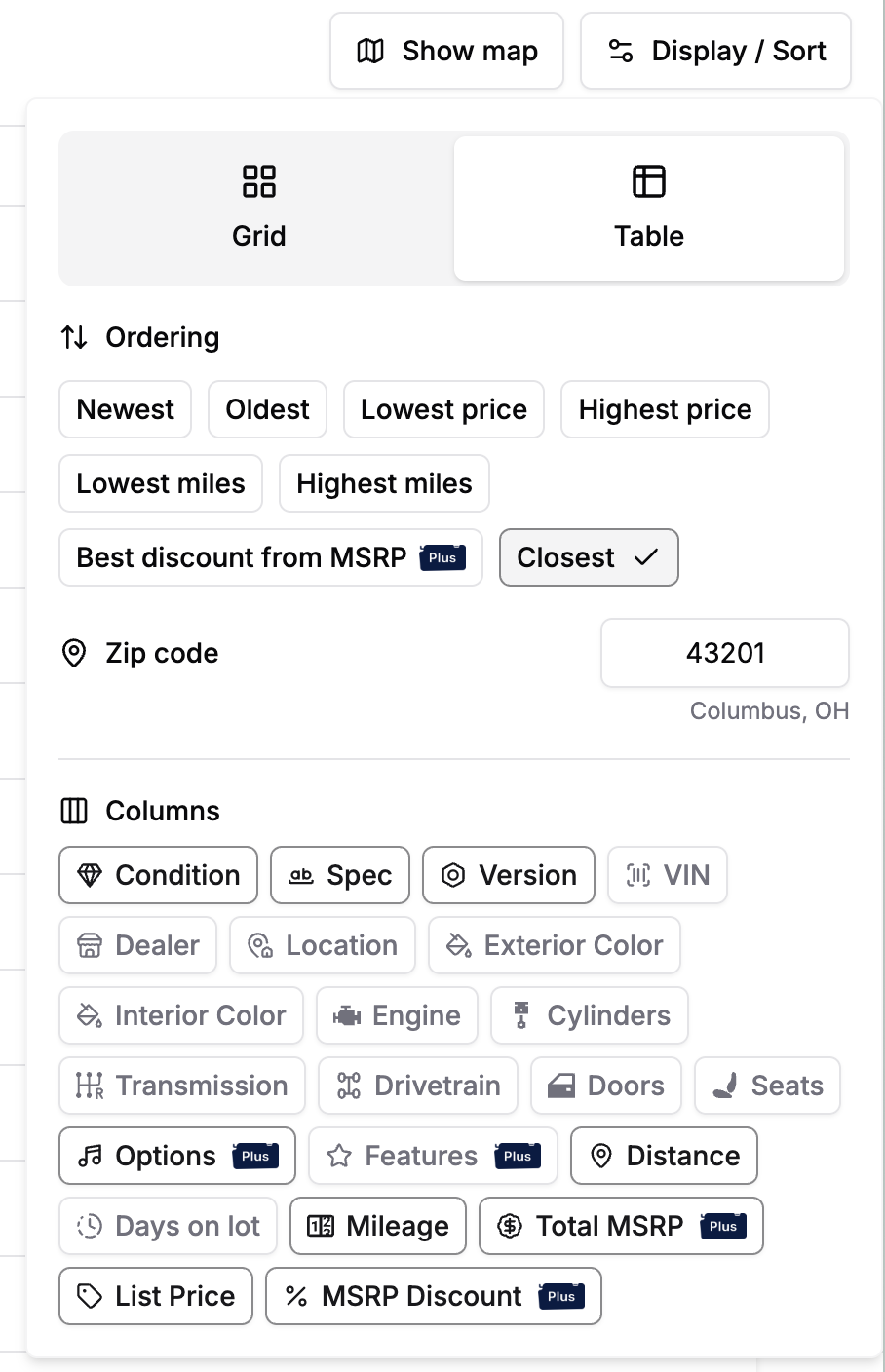
Lately, we’ve been fielding quite a few requests for the ability to set certain preferences when viewing listings:

  • Seeing the dealer name instead of the city/state location

  • Hiding sold listings from favorites

  • New sort options, like MSRP, MPG, and Inflation Adjusted Discount from MSRP (yep, you know who you are)

We love getting these kinds of requests, but we felt that our current organization of preferences like these was lacking unification.

Now, we have a consistent layout for managing these kinds of preferences across the desktop site, mobile site, and our mobile app. We think that while not being the most exciting change, this makes it a lot easier to see what you’re able to configure when viewing listings.

Sort by a specific zipcode
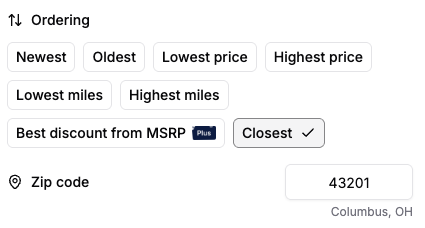
One preference we’ve been getting quite a lot of lately was sorting by a specific zipcode (that may not be where you live)! This seemed like an obvious add to our new design, so now when you click the “Closest” sort option, you’ll see a popup that allows you to input any US zipcode you please. Better yet, whenever you input a new zipcode, it will be saved for your next search!

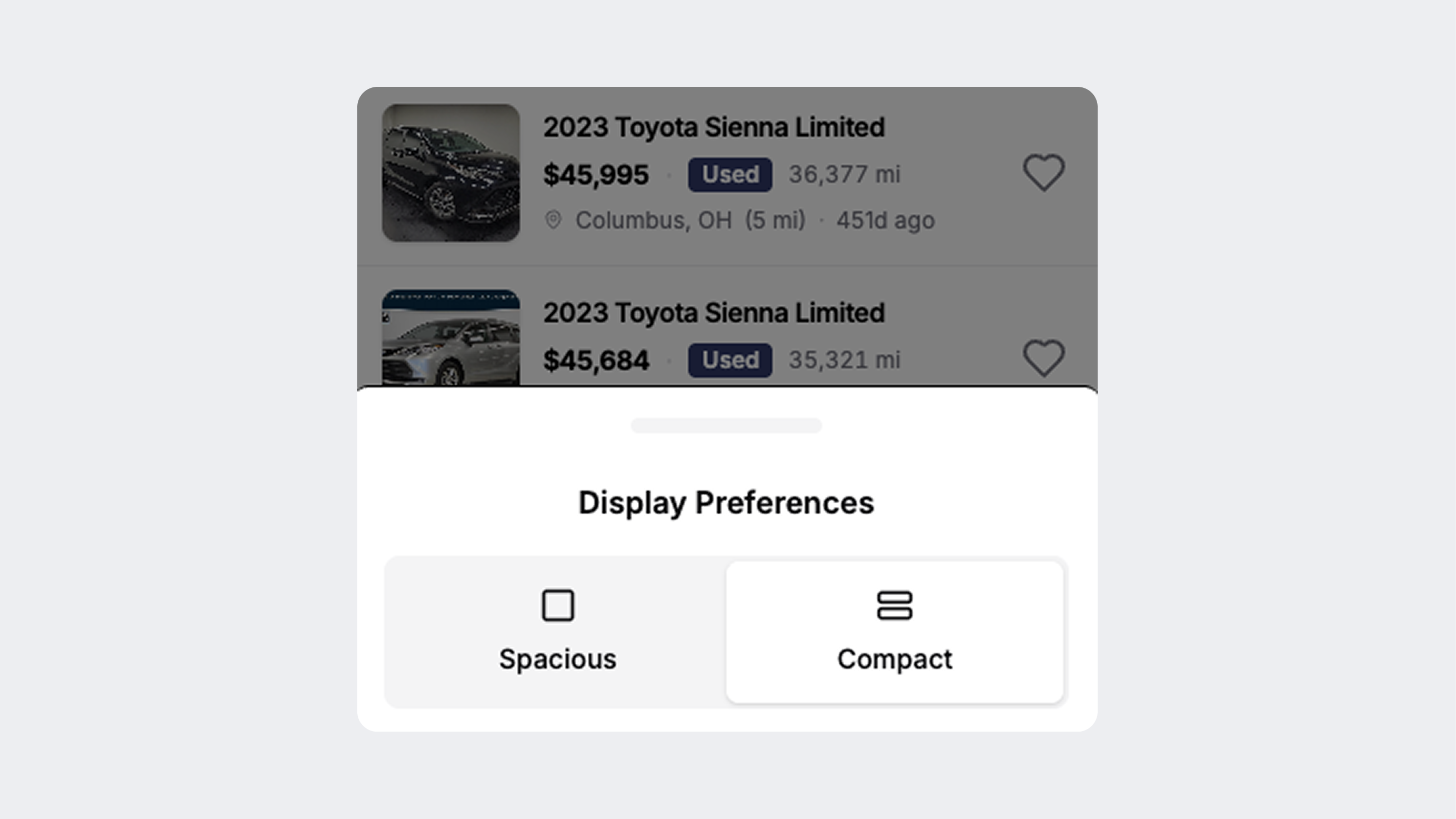
Compact View for mobile
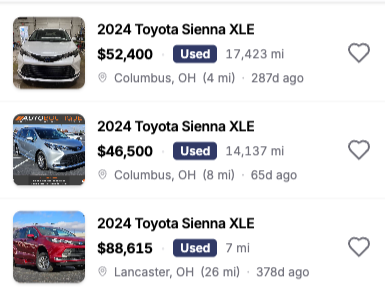
While we love our default view mode for listings on mobile, sometimes you want to feel like you’re just flying through the market when you’re on the go. We didn’t exactly know how to make this discoverable with our old layout, but now with the new Display button, it seemed like a great time to make a new mobile-specific view mode!

The mobile app

Our latest mobile app version is still in review, but it also brings all of updates above, in addition to our filter navigation menu, which helps you stay oriented when browsing filters. One of our 2026 resolutions is to level up the mobile app, and we think we’re already well on our way.

What’s next

  • We’ve been way too quiet lately. The work that we’ve been pouring our love into for the past few months is all about accuracy. As we’ve told some of you over email, we’ve been developing a brand new processing engine for listings that we think will improve accuracy across the board by a wide margin. Looking forward to sharing more about this soon!

  • ❤️

A new engine for the listings page

Hey there! We’re back again this week with a mighty improvement to the listings page: a brand new engine to power your searches.

The map

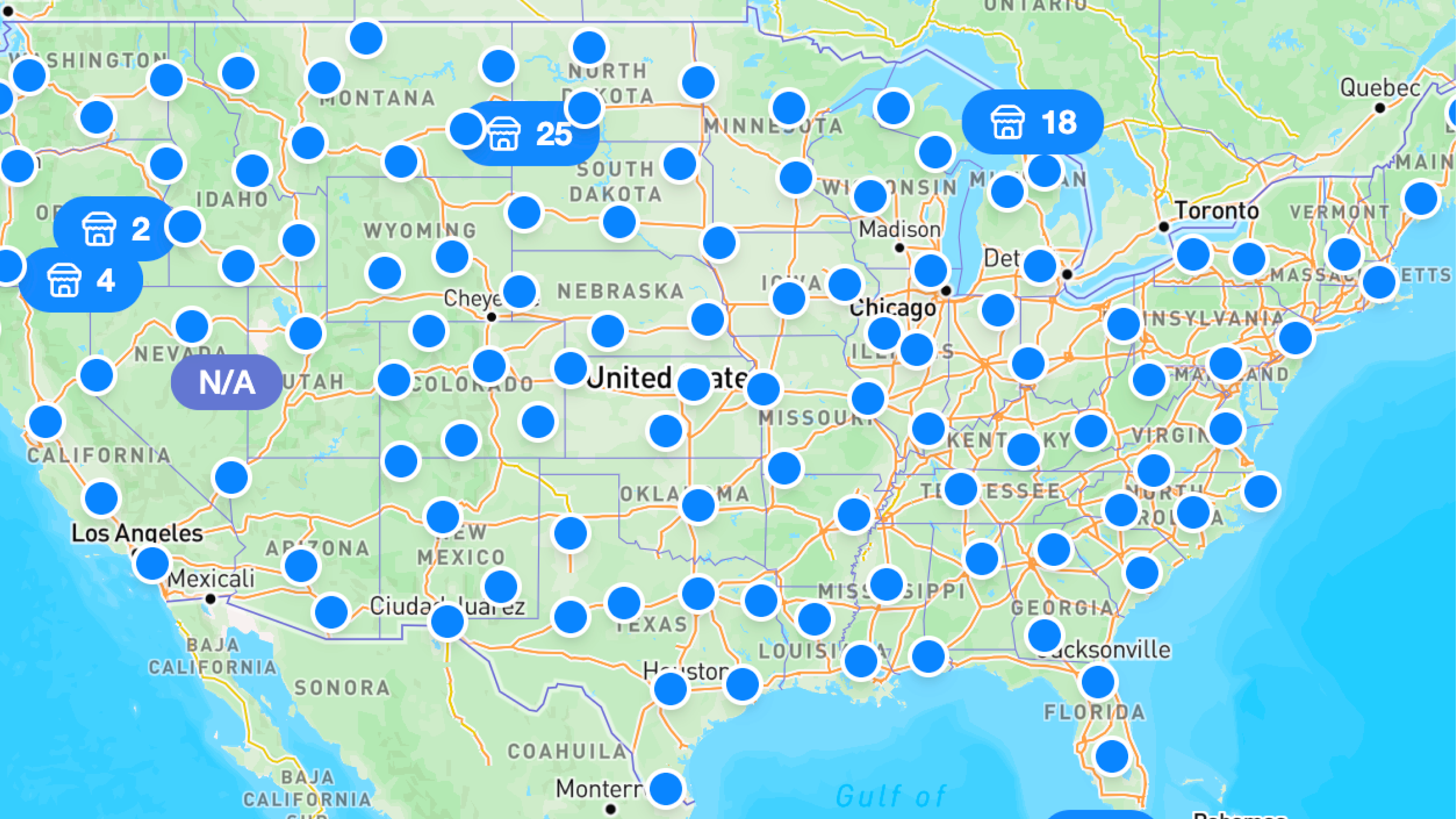
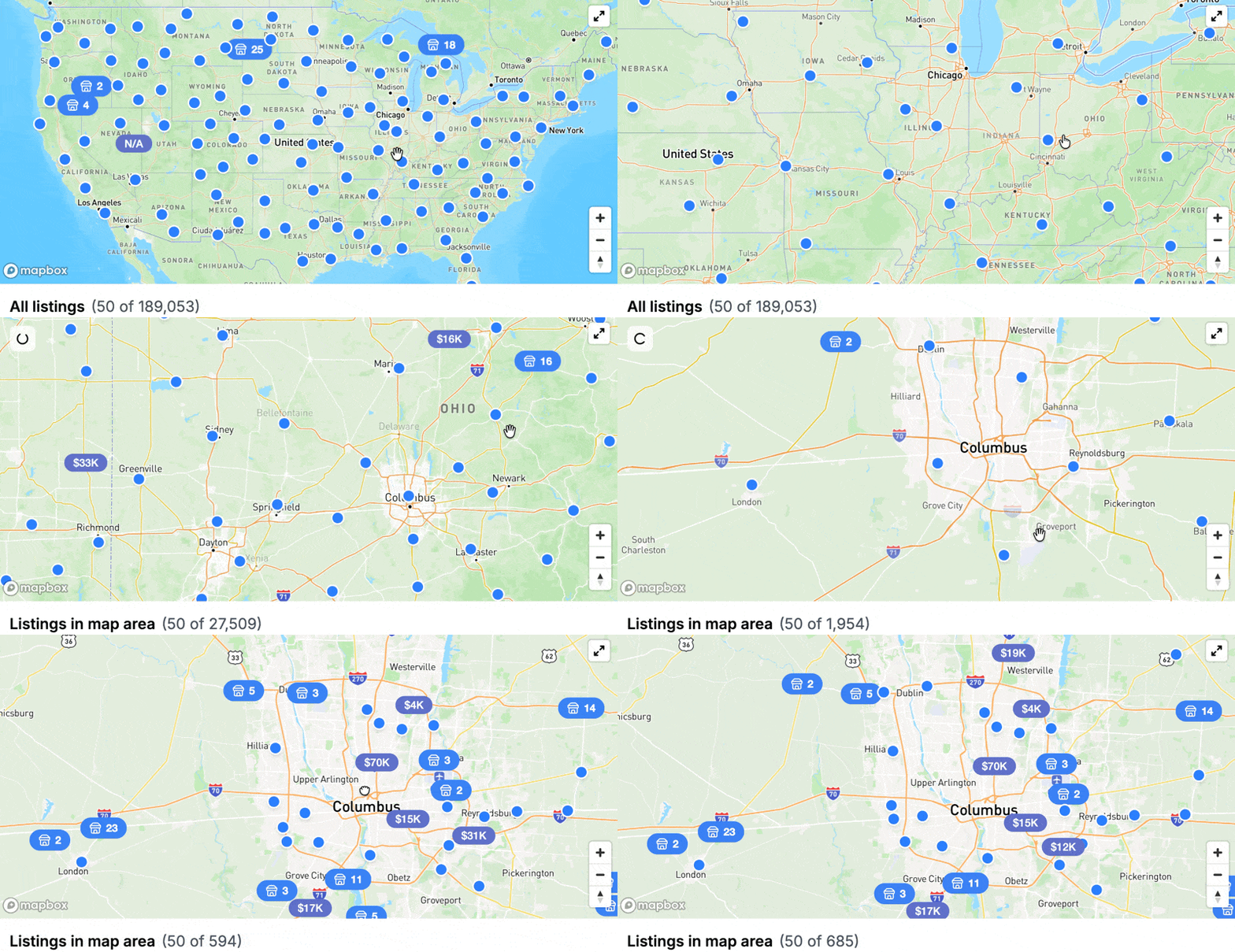
For the longest time, being as obsessed with the speed and power of the site as we are, we haven’t been satisfied with the map. (To our liking) it was much too slow, and it only represented up to 1,000 listings at a time. This could lead to situations where you may miss a car in a certain area because it wasn’t in the very minimal sample that we showed. We knew we could do much better.

As of today, the map will represent EVERY listing in your filter set. Yes, every one. Now we’re not saying that we want you to, but if you click “See everything at once” and then “View listings,” this means that you will now see all 6 million active listings represented on the map. Yes, all 6 million. What’s even better though? It’s fast. Like, really fast. Zooming and panning around feels like a dream.

The gallery and table views

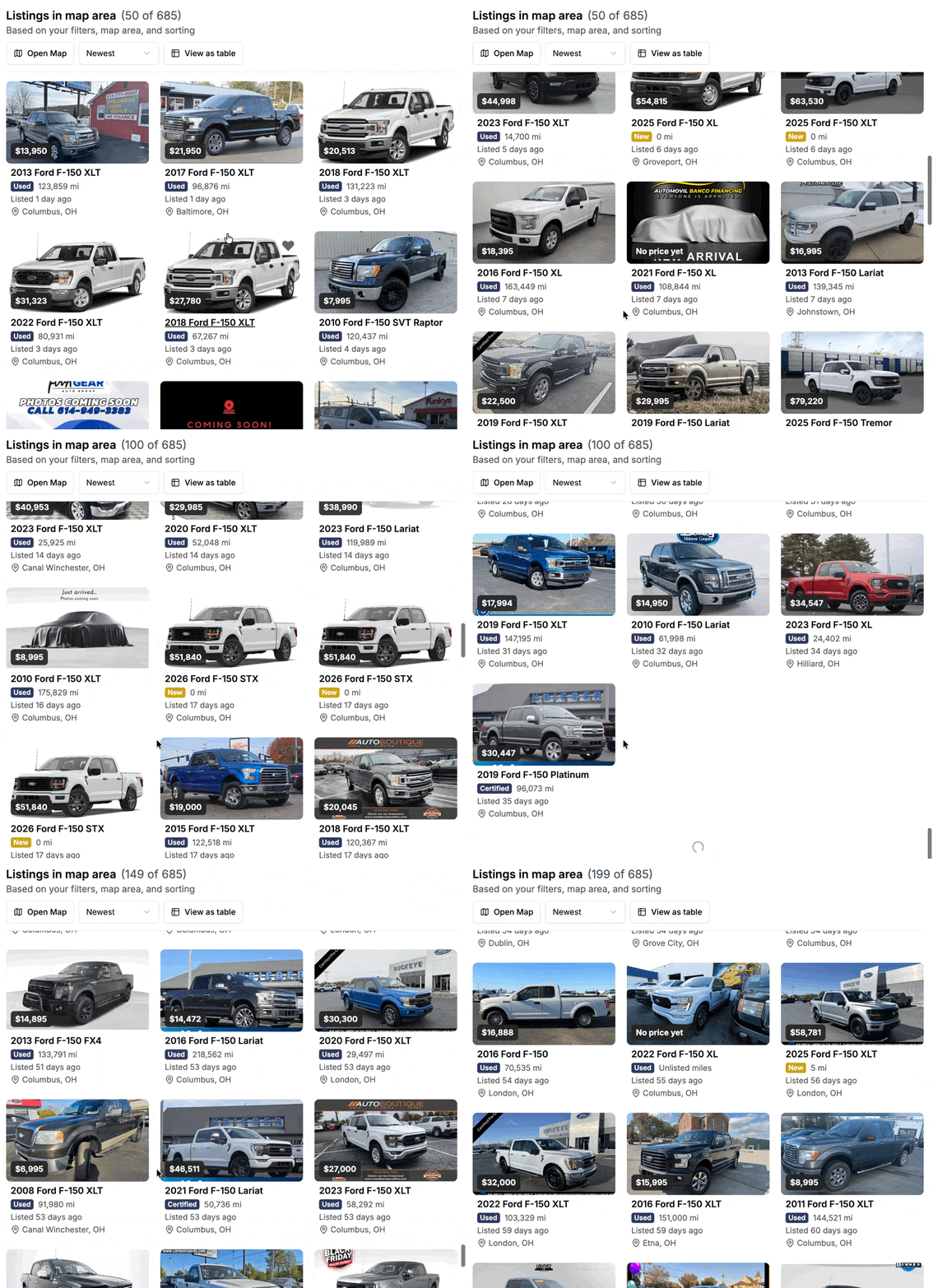
The map view isn’t the only thing that got a power boost, though. The list view now also benefits from our cracked R&D efforts. Better yet, now the list view will automatically load new listings as you scroll to the bottom - and that goes for table view, too!

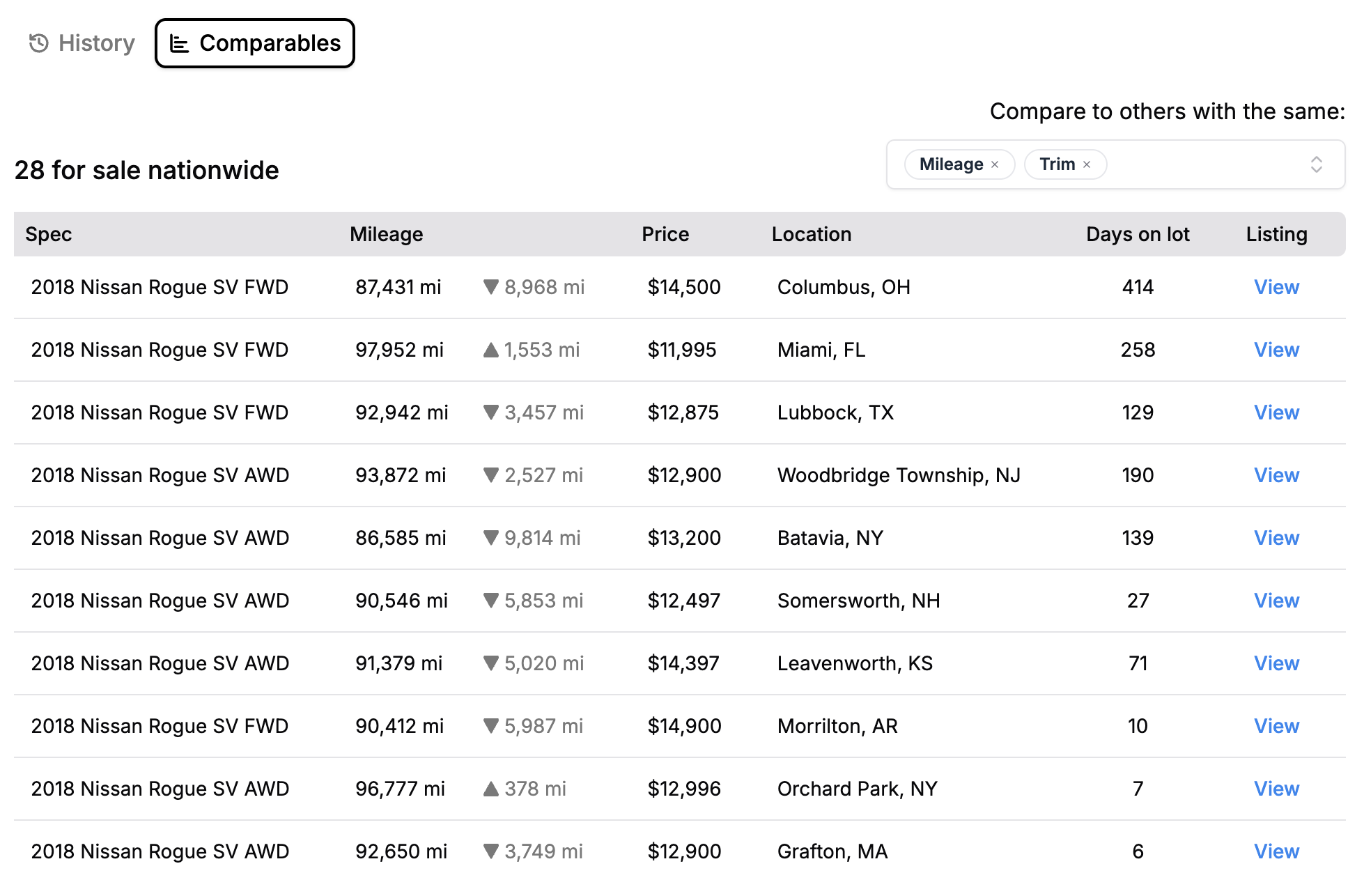
A fresh look for Comparables

That’s right, the Comparables view for off-market listings is getting the same touch up as the leaderboard. Quite a few of you requested this, and we were more than happy to oblige.

What’s next

We have quite a few hefty projects going on that have taken quite some time to get ready for prime time. More info soon, but here is some lighter work that’s on our minds:

  • Another big round of fixes and improvements for the mobile apps

  • Deal Check enhancements

  • Tidying up the favorites and saved searches experience

Introducing Deal Check (again)

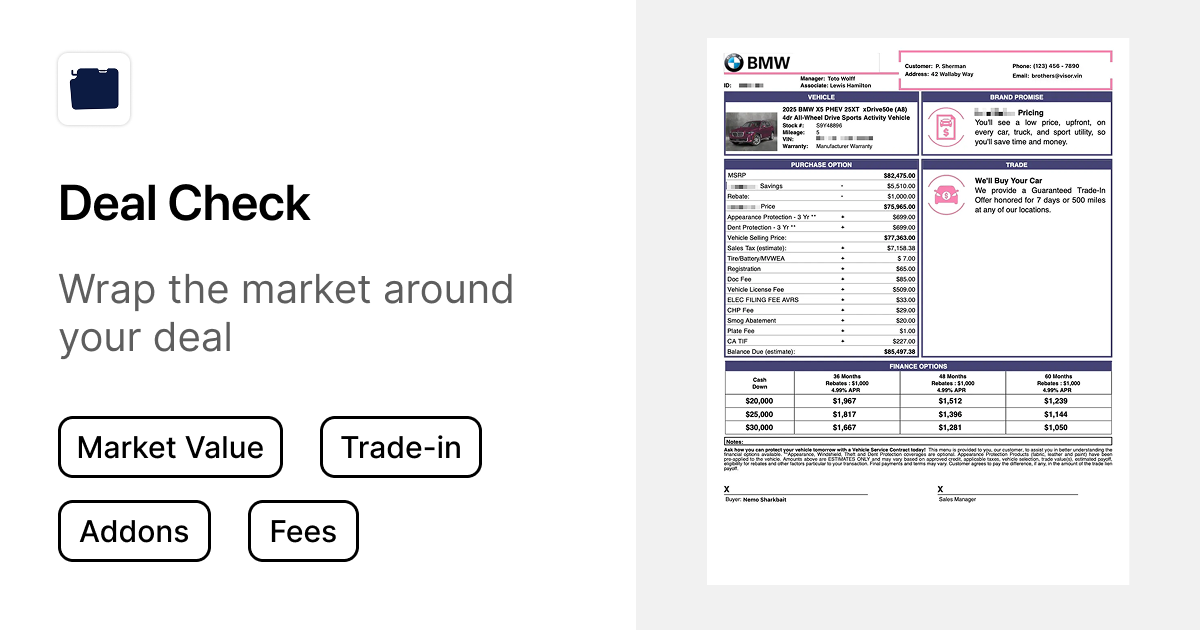
Many miles ago, we first introduced a feature we called “Deal Check.” It was immediately clear that you found resonance with this feature, but we didn’t think that our solution was nearly adequate enough. Today, after months of careful examination, we’re re-introducing this feature with a lot more confidence (and equal parts humility).

What’s Deal Check?

The idea back then was, and is still, simple: offer a simple way to wrap the market around your deal.

What numbers are we talking about though? All of them. Really.

  • Purchase price

  • Trade-in value

  • Add-ons

  • Fees

  • Extended Warranties

  • Taxes

Sound like a lot? It is. There are so many moving parts to a car deal that it can feel incredibly daunting to any car shopper.

But why isn’t it also daunting to the dealer? Because they have market data. And now you do, too. We think that when both sides are equally equipped with the same information, better deals happen faster.

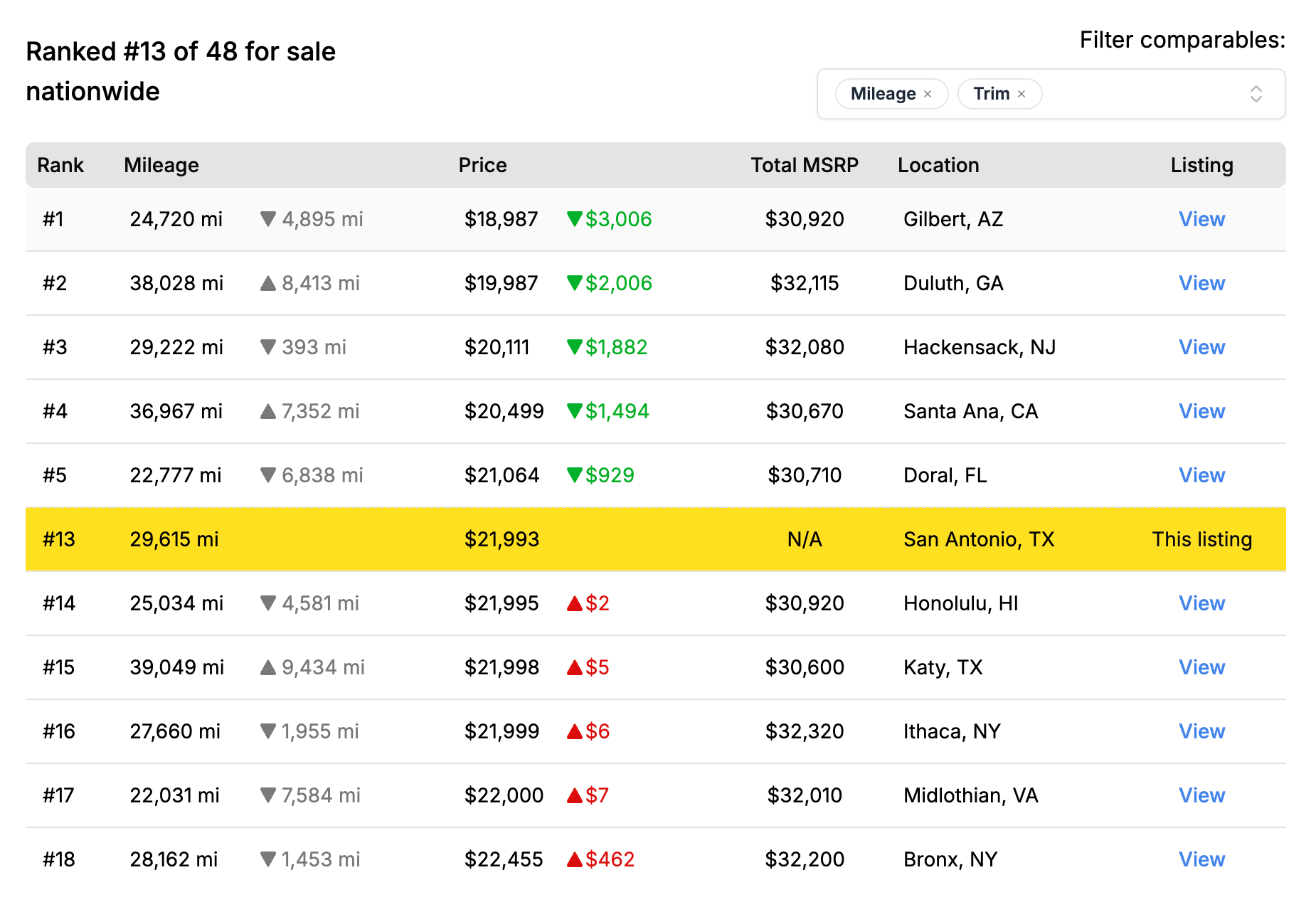
The purchase price, broken down

Does this table look familiar? You guessed it - it’s the leaderboard! Those of you who are regulars will notice quite a few similar visual elements on the new Deal Check.

Our goal with the new Deal Check is not to re-invent the wheel. For the time being, we just want to bring some of our existing market visualizations into a new context.

The purchase price and trade-in sections are the meatiest. Here’ we’ll provide several perspectives on the market for the vehicle you’re about to buy. And because we know that dealers live and die by comparables when pricing a vehicle, the leaderboard is aptly front and center.

Fees and add-ons

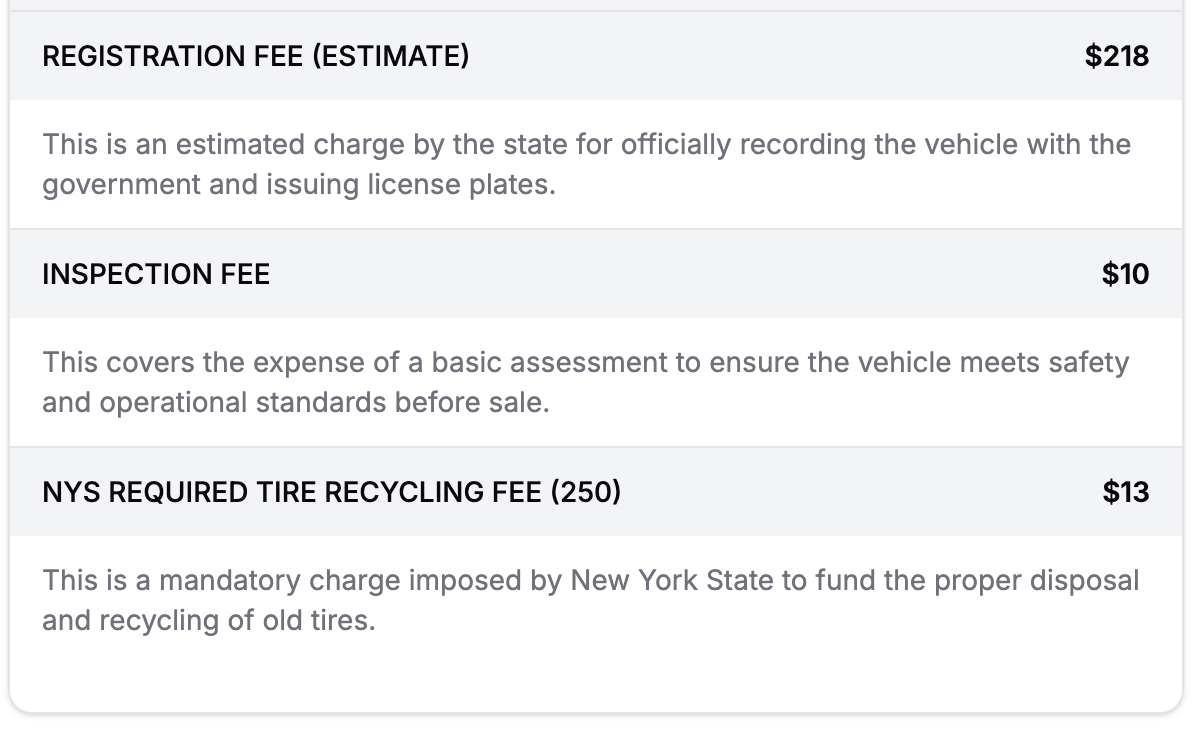
Doesn’t it suck when you get your deal sheet, and you can’t understand half of the “fees” they list out? With Deal Check, every fee, add-on and extended warranty will have a simple explanation of what it is.

Now, not all fees or add-ons are bad. We’ll leave that judgement up to you - we just want you to be educated.

What’s next for Deal Check

We really had to rein ourselves in with this first version. As such, we have a huge wishlist that we will immediately start to check off as the next few weeks go by, including:

  • Even better market visualizations with even more historical context

  • Improved support for new vehicles and leases

  • Consideration of manufacturer warranties vs. extended warranties

  • Comparison to other user-submitted deals

  • Deeper analysis of fees and add-ons with suggestions on what to remove / keep

  • A way to save deal sheets to your Visor account

Earlier updates