No Previous or Next buttons
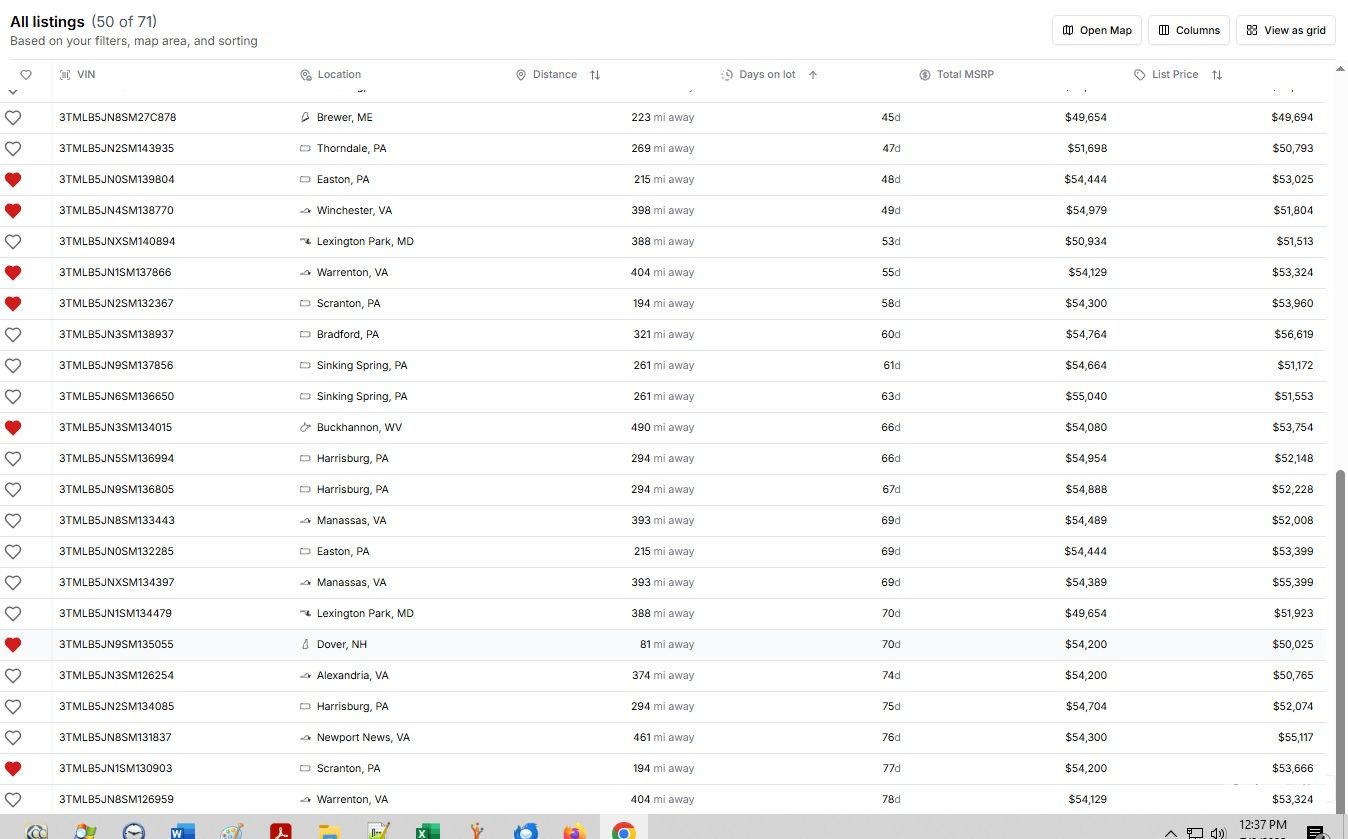
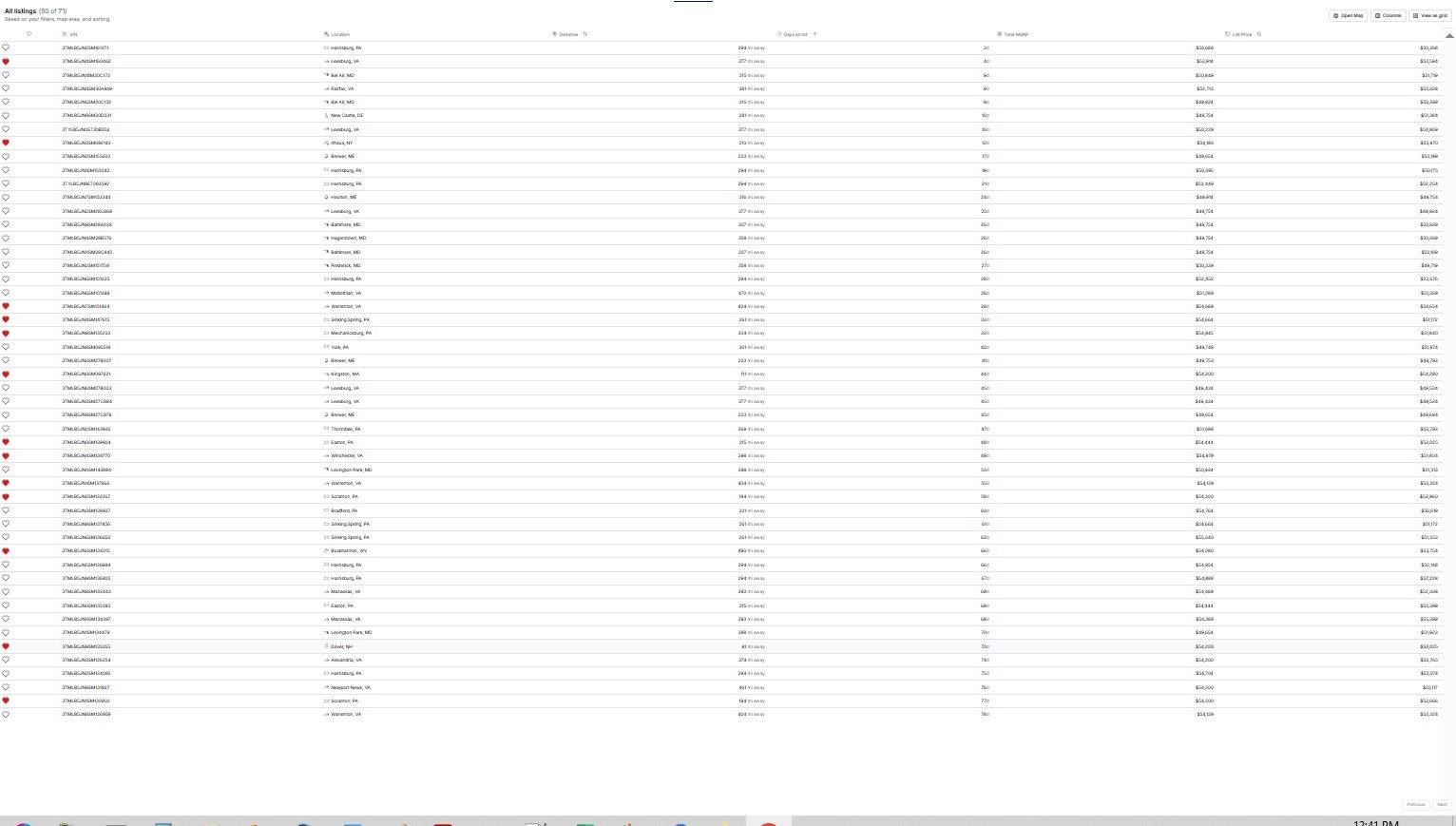
I have a search that returns multiple pages worth of vehicles. When viewing them as a grid, all show up. When viewing them as a table, using fairly normal magnification, there is no Previous or Next buttons. If I zoom the window out (Windows CTRL- ), the Previous and Next buttons appear but seem to be inoperable.
Desktop, Win10, Chrome
Log in to comment and vote
Comments4
Cole Smith
Jul 3, 2025
Hey Barry - I just made an update to largely resolve this (momentarily). Can you check it out and let me know if you experience any further issue with this issue?
Barry Shonbeck
Jul 4, 2025
Hi Cole,
I just tried it and all seems well now. Even changing the page magnification correctly places the buttons at the bottom. Thanks for the quick fix!
One additional tweak to this would be very useful. Currently, the first page worth of a search's 109 vehicles states “50 of 109”. The next page worth of 50 vehicles also states “50 of 109”. And the last page of 9 vehicles states “50 of 109”. With multi-page tables, it would be helpful to know where you were in the pages: i.e. “1 - 50 of 109”, “51 - 100 of 109”, “101 - 109 of 109”.
Cole Smith
Jul 8, 2025
Noted - thank you Barry!
Barry Shonbeck
Jul 2, 2025
Another anomaly is that when switching from grid view which correctly showed all 71 vehicles, to the table view which shows something less than 50 vehicles at my chosen Windows magnification, the text at the top of the table is not updated and states that 71 of 71 vehicles are in the table when actually there are slightly less than 50.