May 9th, 2025
Under the hood, week 3
For our last official “under the hood” week, we decided to focus on the little things. Like, the really little things.
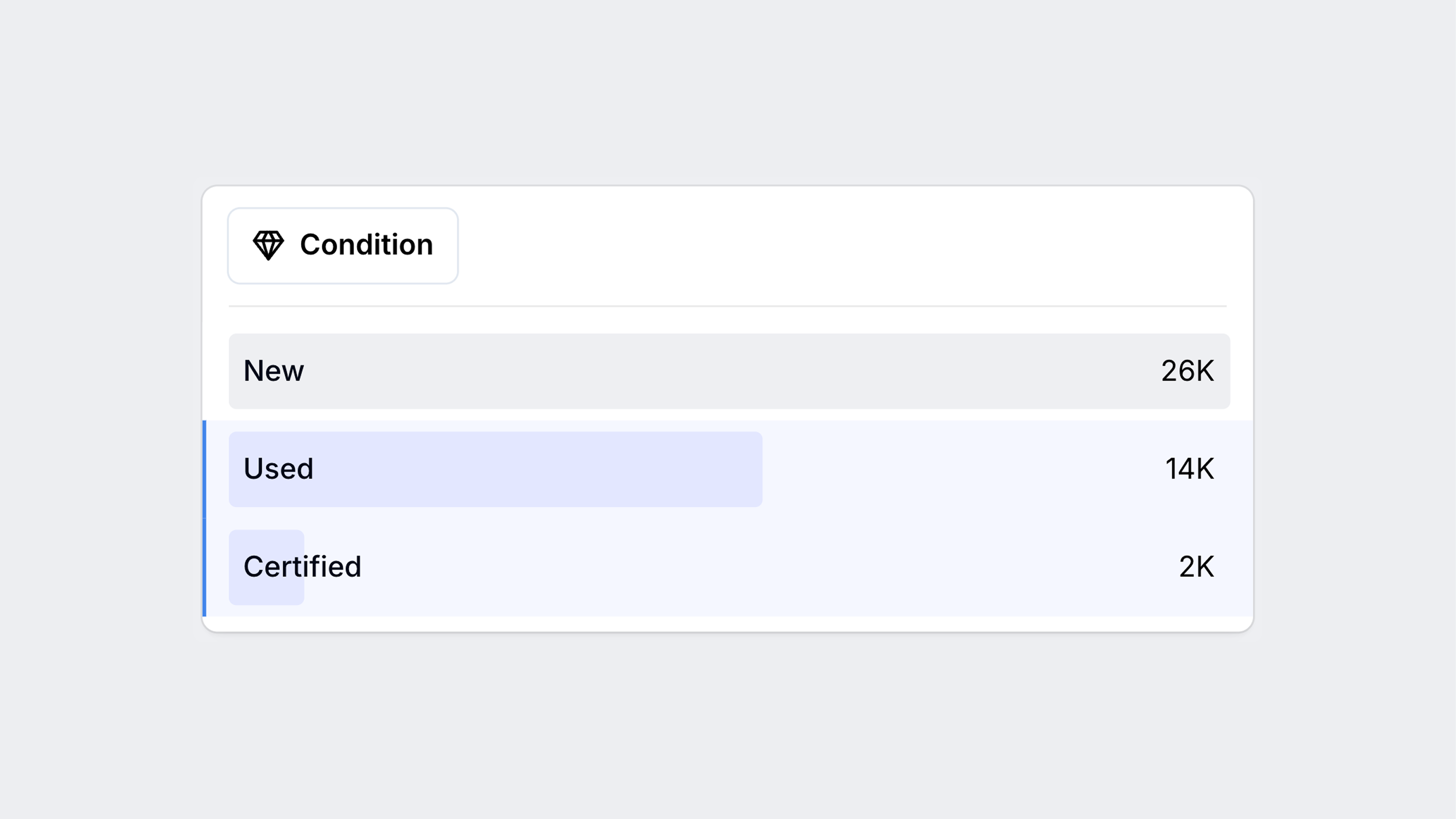
Multi-select on condition (finally!)

How there was ever a world in which you weren’t able to do this, we have no good reason for. But at last, you can now select multiple conditions in the condition filter. For example, maybe you want to see used AND certified listings at the same time - what a novel concept!
Better gallery photos

Dealer listing photos can reveal a lot of telling information about the true specification of the vehicle you’re looking at. Some photos contain so much information that, when cropped, you can miss something critical. Previously, we were automatically cropping images that did not fit the aspect ratio of the gallery. Now, in gallery mode, you’ll see the original aspect ratio (no more missing tire and loading information!)
Filter page touch-ups

A few of you have written in recently, commenting that the header of each filter on the filter page blends in too easily with the rest of the filter. To make the filter headers pop, we added some fun icons.
Other fixes and improvements
We’ve been working hard to re-stabilize the iOS app experience. Thanks for your patience!
A few of you have written in recently expressing a desire to have an easy way to change your Visor Plus plan type. Now to do so, simply go to your profile page and click “Change to a different plan.”
Fixed some inconsistencies between the number of listings being shown in the search results versus the filter page.
Resolved an issue where the Escape key was closing a listing page entirely in gallery mode.
Eliminated a rare issue where the filters page would not load whatsoever when navigating to it.
What’s next
There has been a lot of work going on behind the scenes on our listing data. Stay tuned for some exciting updates on performance, reliability, and accuracy.
🤖 📲 🔜
We’re setting the “table” for a new feature on the listings page.